Phone Heart Rate App for Seniors: A Simple Guide
A practical guide for adult children: how a phone heart rate app for seniors checks a parent's pulse with no wearable, plus what the research actually shows.
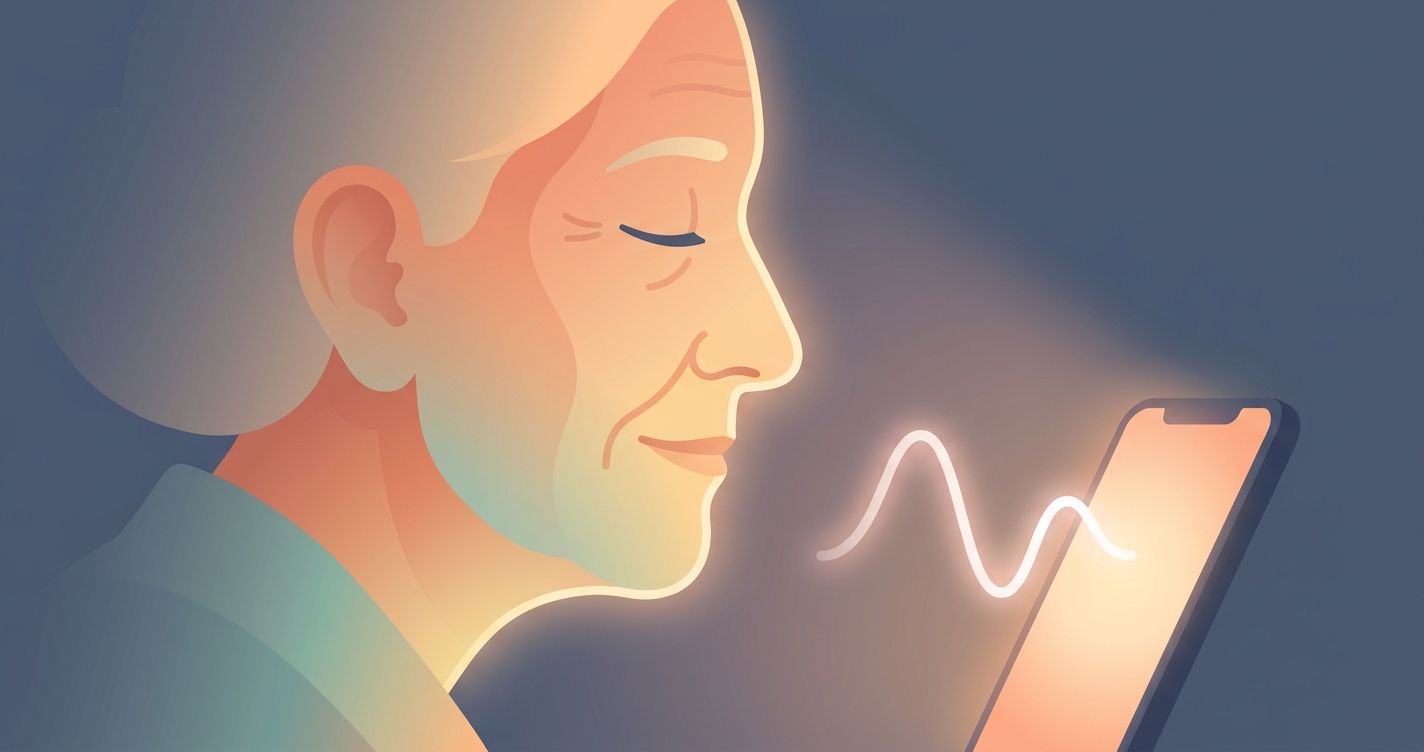
Caring for an aging parent often comes down to one quiet question repeated across thousands of ordinary days: is everything okay right now? A phone heart rate app for seniors has become one of the simplest ways to answer that question without a wearable, a finger clip, or a trip to the clinic. For adult children who do not live with their parents, the appeal is obvious. A pulse reading taken in under a minute, with a device the parent already owns, removes a layer of guesswork from long-distance caregiving. This guide looks at how these apps work, where the science currently stands, and what to realistically expect when you set one up for someone in their seventies or eighties.
In 2024, an estimated 59 million Americans provided unpaid care for an adult, delivering 49.5 billion hours of care valued at roughly $1.01 trillion, according to AARP's Valuing the Invaluable report. Nearly one in four of those caregivers said the role made it harder to manage their own health.
Why a phone heart rate app for seniors makes sense
The core technology behind a phone heart rate app for seniors is remote photoplethysmography, usually shortened to rPPG. When your heart beats, it pushes blood through the tiny vessels just under the skin of your face. Each pulse changes how much light those vessels absorb, producing a color shift far too subtle for the human eye to notice. A smartphone camera, however, can detect it. Software watches the face across several seconds of video, isolates that rhythmic signal, and converts it into a heart rate. No contact, no cuff, no clip.
For older adults specifically, the no-contact part matters more than it might for a younger user. Arthritic fingers struggle with the pressure a contact sensor needs. Thin or fragile skin makes adhesive patches uncomfortable. Wearables get forgotten on chargers, taken off at night, or left in a drawer because the band feels strange. A camera-based check sidesteps all of that. The parent simply looks at the screen, and the reading happens.
There are tradeoffs worth naming up front. A phone scan gives a snapshot, not the round-the-clock stream a worn device produces. It depends on decent lighting and a reasonably still face. And like every consumer wellness tool, it is a general-awareness instrument, not a diagnostic one. Understanding those limits is what lets you use it well.
How it compares to the alternatives
Caregivers weighing options usually look at three approaches: a phone-based scan, a wrist wearable, and the old-fashioned manual pulse count. Each has a place.
| Method | Setup effort for a senior | Contact required | Continuous data | Best use |
|---|---|---|---|---|
| Phone heart rate app | Low: open app, look at camera | None | No, on-demand only | Quick check-ins, sharing with family |
| Wrist wearable | High: charging, syncing, daily wear | Yes, strap on wrist | Yes, all day | Continuous trends for tech-comfortable users |
| Manual pulse count | Medium: requires finding pulse | Yes, fingers on wrist | No | Backup when no device is handy |
| Clinic measurement | High: appointment, travel | Yes | No | Formal evaluation by a professional |
The honest takeaway is that these tools complement rather than replace one another. A phone app shines for the moment-to-moment reassurance that defines so much of family caregiving, while a clinical visit remains the place for any reading that worries you.
What to look for in an easy vitals app for elderly parents
Not every app suits an 80-year-old. When choosing an easy vitals app for elderly users, a few design qualities separate the workable ones from the frustrating ones.
- Large, high-contrast text and buttons that survive aging eyesight
- A single clear action to start a reading, not a maze of menus
- On-screen guidance that tells the parent when to hold still and when the scan is done
- A way for results to reach the caregiver automatically, so the parent does not have to relay numbers
- Plain-language results rather than dense charts
- Minimal account friction, ideally something the adult child can configure once
The last two points are where most caregiving setups succeed or fail. If your father has to interpret a heart rate variability graph or remember to text you a number, the routine collapses within a week. The apps that stick are the ones where the parent's only job is to look at the phone.
Industry Applications
Long-distance family caregiving
The fastest-growing use of a contactless heart rate app for parents is bridging physical distance. Roughly 16 million Americans are so-called sandwich caregivers, juggling children and aging parents at once, per AARP's 2024 figures. For them, a daily phone scan that quietly logs a parent's resting pulse turns a vague worry into a concrete data point. A reading that holds steady week over week is reassuring on its own.
Post-discharge and recovery periods
The weeks after a hospital stay are when families watch most closely. A senior phone health check during recovery gives an extra touchpoint between clinical follow-ups, helping caregivers notice when something drifts outside a parent's normal range and prompting a call to the doctor sooner.
Assisted living and aging in place
Many older adults want to stay in their own homes as long as possible. Lightweight phone-based checks support that goal by giving adult children a low-cost way to stay connected to a parent's wellbeing without installing intrusive monitoring hardware throughout the house.
Current research and evidence
The science behind camera-based pulse measurement has matured quickly. A 2024 scoping review published in Frontiers found that smartphone photoplethysmography apps show good to very strong agreement with gold-standard electrocardiography for resting heart rate in healthy subjects, though the authors stressed that most of this evidence came from controlled laboratory settings and that more real-world validation is needed.
Real-world testing is exactly where recent work has pushed hardest. Researchers at Google Research described a system they call PHRM for passive heart rate monitoring through a smartphone's front camera. In a free-living study with diverse participants, it achieved a mean absolute percentage error under 10 percent against ECG across all skin tones, a benchmark that outperformed 15 other leading rPPG models. That cross-skin-tone result matters, because earlier optical health tools were criticized for working less reliably on darker skin.
The research also marks clear boundaries. A 2025 analysis noted that rPPG accuracy can drop sharply at elevated heart rates, even though dim lighting had relatively little effect. The practical reading of that finding for caregivers: a resting check on a calm parent sitting in a well-lit room is the scenario where these apps are strongest, and that happens to be the most common caregiving scenario anyway. Readings taken right after exertion, agitation, or a brisk walk deserve more skepticism.
The future of phone-based senior heart monitoring
Several trends point toward camera-based vitals becoming a standard part of how families look after older relatives. Phone cameras and processors keep improving, which steadily widens the range of conditions under which a reliable signal can be pulled from a face. Models trained on more diverse populations, including older adults whose skin and vascular characteristics differ from the young volunteers who dominate research datasets, should narrow the gap between lab and living room.
The likely direction is also toward more than heart rate. The same camera signal that yields a pulse can, with more processing, estimate respiratory rate and other markers, moving a single scan closer to a brief overall wellness snapshot. For caregivers, the most valuable evolution may be quieter: passive readings that happen during normal phone use, so a parent does not have to remember to do anything at all. As that arrives, the line between deliberate checks and ambient awareness will blur, and the daily friction of remote caregiving will keep shrinking.
Frequently asked questions
Is a phone heart rate app accurate enough for an elderly parent? For a resting reading taken in good light with the parent sitting still, peer-reviewed research shows smartphone-based heart rate measurement agrees closely with clinical ECG. Accuracy falls when the pulse is elevated or the person is moving, so treat the app as a wellness check rather than a medical diagnosis, and contact a clinician about any reading that concerns you.
Does my parent need to wear or hold anything? No. Contactless apps use the phone's camera to read the subtle color changes in facial skin caused by each heartbeat. The parent only needs to look at the screen for a short scan, which is why these tools work well for people who find straps, clips, or charging routines difficult.
Will the reading work in a dimly lit room? Research suggests lighting has a smaller effect than many people expect, but consistent, even light still produces the cleanest signal. Facing a window or a lamp and avoiding heavy shadow across the face will give the most reliable results.
Can I see my parent's readings from my own phone? Many family-oriented apps let results sync to a caregiver's device so you do not depend on your parent reporting numbers manually. This is one of the most important features to confirm before you set up a routine, since automatic sharing is what keeps the habit going.
Circadify is building toward exactly this kind of low-friction family monitoring, where a parent simply looks at a phone and a caregiver gets the reassurance of a current reading. If you want to see how a contactless pulse check feels in practice, you can try Circadify free and set it up for the people you look after.