
How to Check Your Pulse at Home Without a Device
Discover how to check your pulse at home without device hardware. Compare the accuracy of manual palpation with modern camera-based smartphone applications.
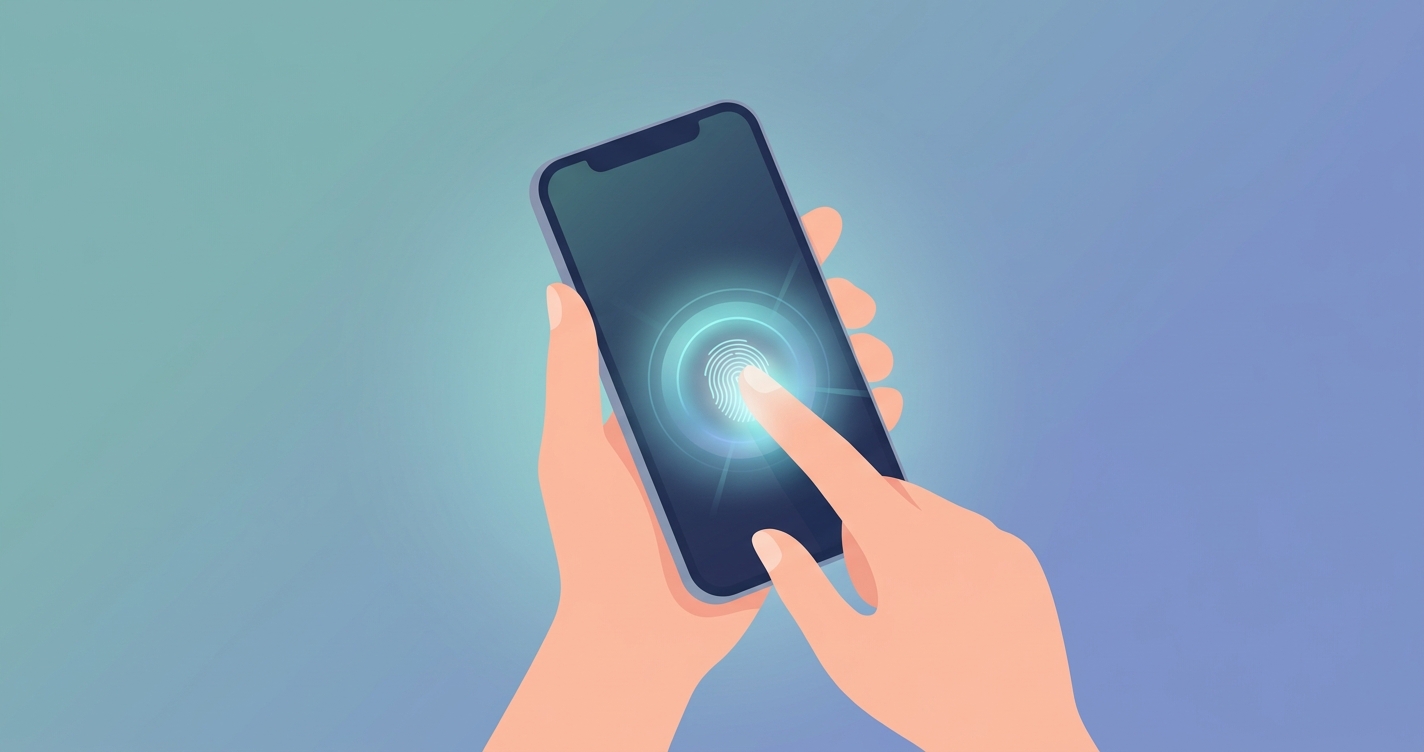
The evolution of personal health monitoring has shifted expectations from annual clinical visits to daily insights. For individuals monitoring their cardiovascular status, relying solely on specialized hardware is no longer a strict requirement. Understanding how to check pulse at home without device hardware is increasingly relevant for consumer health applications, remote monitoring, and general wellness. Traditionally, this meant manual palpation using two fingers against an artery. Today, optical sensors already built into consumer smartphones provide an alternative method for capturing heart rate data through a process known as photoplethysmography. By removing the friction of purchasing and maintaining a dedicated wearable, individuals can measure their resting heart rate instantly and access a clearer picture of their physiological baseline.
"While non-medical personnel can detect the presence of a radial pulse with 99.1% sensitivity, their specificity drops to 56.8%, indicating that manual pulse assessment by the general public often lacks the precision found in clinical settings."
Kensuke Suzuki et al., Nippon Medical School, 2023
The mechanics of how to check pulse at home without device hardware
When exploring how to check pulse at home without device purchases, the methods divide into mechanical palpation and optical assessment. Both approaches aim to calculate resting heart rate, a critical metric for cardiovascular fitness and autonomic nervous system balance. However, the mechanism, accuracy, and ease of use differ significantly between the two.
The traditional method: mechanical palpation
Mechanical palpation requires pressing the index and middle fingers against a major artery. The two most common sites are the radial artery, located on the thumb side of the inner wrist, and the carotid artery, located on the side of the neck just below the jawline. The user counts the number of beats felt over a specific duration, typically 30 seconds multiplied by two, to determine beats per minute.
While this technique is universally accessible, research demonstrates a significant variance in accuracy based on the user's training. L. A. M. van der Hoeven et al. (2017) noted in a systematic review that manual pulse palpation is a highly reliable method for heart rate assessment specifically when performed by experienced healthcare professionals. For the average consumer, user error in counting, applying too much pressure, or missing irregular beats can skew the results. Using the thumb to feel for the pulse is a common mistake, as the thumb contains its own prominent artery that can interfere with the reading. Additionally, pressing both carotid arteries simultaneously can stimulate the vagus nerve, potentially causing a dangerous drop in heart rate or blood pressure.
The software method: optical sensors and photoplethysmography
Optical assessment utilizes the smartphone camera you already own, eliminating the need for manual counting. Remote photoplethysmography and contact photoplethysmography measure minute changes in light absorption as blood pulses through the microvascular bed of tissue. By resting a fingertip over the rear camera lens or allowing the front-facing camera to scan the face, algorithms can extract the pulse rate.
Hemoglobin in the blood absorbs specific wavelengths of light. As the heart beats, blood volume in the microvessels of the skin increases and decreases, changing the amount of light absorbed. The smartphone camera captures these microscopic fluctuations, and software translates them into a highly accurate reading. This shifts the burden of accuracy from the user's counting ability to the smartphone's processing software.
| Feature | Manual Palpation | Smartphone Camera (PPG) |
|---|---|---|
| Mechanism | Mechanical pressure on artery | Optical light absorption changes |
| User Training Required | Moderate to high for optimal accuracy | Low (automated processing) |
| Hardware Required | None (fingers and a clock) | Consumer smartphone |
| Data Logging | Manual entry required | Automatic digital capture |
| Common Errors | Miscounting, incorrect finger placement | Poor lighting, excessive motion |
Guidelines for accurate measurement
To minimize errors, specific protocols should be followed depending on the method chosen.
Key steps for accurate manual palpation:
- Sit quietly for at least five minutes before starting to establish a resting baseline.
- Place the tips of the index and middle fingers over the radial artery just below the base of the thumb.
- Avoid using the thumb to prevent double-counting beats.
- Press lightly; pushing too hard can compress the artery and stop the pulse.
- Count the beats for 30 seconds and multiply by two to calculate the total rate.
- Record the data manually in a logbook or health application.
Key steps for camera-based assessment:
- Ensure the environment is well lit if using a facial scan.
- Clean the camera lens to remove smudges or oils that could blur the optical signal.
- Keep the hand or head completely still during the reading window to prevent motion artifacts.
- Breathe normally and avoid talking while the software processes the physiological data.
- Review the automatically generated digital reading and save it to your profile.
Industry Applications
Personal wellness and fitness
Individuals tracking their resting heart rate to monitor recovery or general aerobic fitness require consistent, repeatable methods. Camera-based software solutions offer a frictionless way to record this metric without purchasing smartwatches or chest straps. This reduces barriers to entry for those curious about their baseline cardiovascular health and allows for routine check-ins without wearing a device 24 hours a day.
Telehealth and virtual consultations
Doctors conducting video visits face a gap in objective vital sign data. If a patient feels unwell during a virtual consultation, the physician traditionally asks them to manually take their pulse. This introduces the counting and specificity errors common among the general public. Integrating a camera scan directly into the telehealth interface allows the physician to obtain a reliable, software-verified reading in real time, improving the quality of remote triage.
Remote monitoring and elder care
For families managing the health of aging relatives, minimizing hardware complexity improves compliance. Using a familiar tool like a smartphone to capture vital signs reduces the need for specialized monitors that require charging, syncing, and maintenance. Older adults who may struggle to find their radial pulse due to reduced circulation or arthritis can simply look into a camera or place a finger on a lens.
Corporate health initiatives
Wellness programs increasingly rely on scalable software to monitor employee health metrics. By using the mobile devices employees already carry, organizations can deploy cardiovascular tracking tools across large populations without the overhead of hardware procurement and distribution.
Current research and evidence
The validity of contactless and smartphone-based pulse measurement has been heavily scrutinized in clinical literature. A 2017 validation study by Bryan P. Yan et al., published in the journal JMIR mHealth and uHealth, evaluated the accuracy of resting heart rate detection using fingertip and facial photoplethysmography via a smartphone camera. The researchers compared these readings against a continuous 12-lead electrocardiogram across 40 healthy participants. The study found strong correlations between the smartphone-estimated heart rates and the clinical reference, demonstrating that consumer optical sensors can capture highly accurate resting pulse data.
Similarly, the limitations of the traditional manual method are well documented in recent observational research. Kensuke Suzuki et al. (2023) observed nearly 500 non-medical personnel attempting to assess vital signs. While participants could find a pulse, their accuracy in assessing pulse strength and specificity was low compared to clinical standards. Furthermore, van der Hoeven et al. (2017) reinforced that the reliability of manual palpation is heavily dependent on the clinical experience of the person taking the measurement, making it a less optimal solution for general consumer tracking outside of a hospital setting.
The future of contactless vitals
As optical sensors in consumer electronics improve, the reliance on physical hardware for basic vital sign monitoring will continue to decrease. Future iterations of photoplethysmography will likely integrate ambient monitoring, where devices passively assess cardiovascular metrics without requiring explicit user initiation. Advances in computer vision and neural processing units are expanding the capabilities of remote photoplethysmography to measure respiratory rate and estimate blood pressure trends, transitioning the smartphone from a simple communication tool into a comprehensive health screening platform.
The emphasis in the technology sector is shifting toward software optimization, ensuring that consumer-grade cameras can process physiological signals with increasing fidelity across diverse skin tones and varying lighting conditions. Eventually, smart mirrors, laptop webcams, and home security sensors may securely process these optical signals, making health data collection completely frictionless.
Frequently asked questions
Is it accurate to check your pulse with your fingers? Manual pulse checking is generally accurate for estimating heart rate if you follow the correct procedure and count carefully. However, research indicates that non-medical personnel are more likely to miscount or misjudge the pulse quality compared to trained healthcare professionals.
Can a smartphone camera really measure heart rate? Yes. Smartphone cameras use photoplethysmography to detect subtle changes in the color of your skin as blood pumps through the capillaries. Studies have shown that this optical method closely correlates with clinical reference tools for measuring resting heart rate.
Do I need an internet connection to use a camera pulse app? Many camera-based health applications process the optical data locally on the device processor, meaning an active internet connection is not always necessary for the immediate measurement, though it may be required to sync data to a cloud profile.
Why is resting heart rate an important metric? Resting heart rate is a reliable indicator of cardiovascular fitness and autonomic nervous system balance. Tracking this metric over time can help individuals identify trends related to stress, recovery, and overall wellness.
For individuals exploring how to check pulse at home without device purchases or complex setups, optical technology provides a seamless alternative to manual counting. Circadify is actively building software in this space, using the smartphone you already own to provide frictionless vitals scanning. To experience a contactless reading yourself, try the free phone camera pulse check by visiting circadify.com/download.