Camera Health Check App: How to Scan Your Vitals at Home
How a camera health check app reads heart rate and breathing from a quick phone scan, plus what beginners should know before they scan vitals at home.
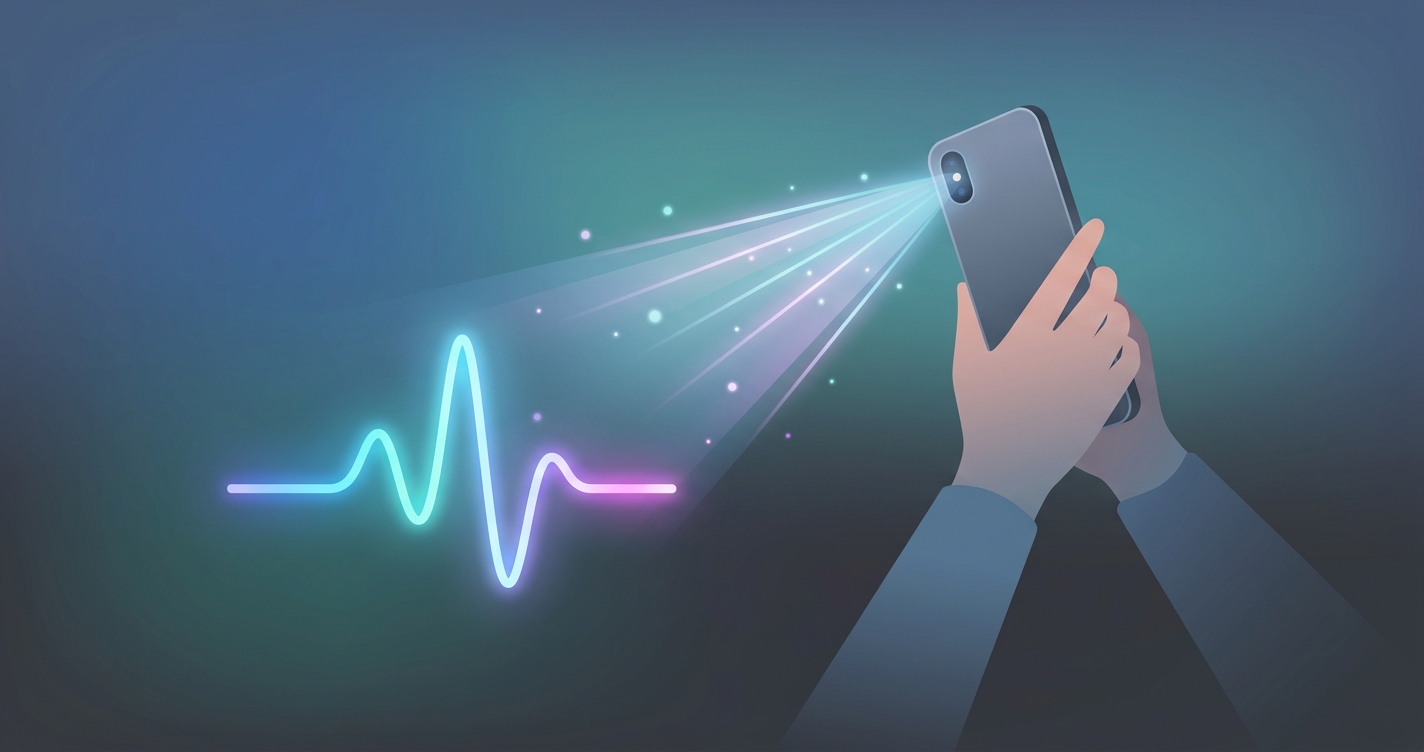
The idea that a smartphone you already own can read your pulse and breathing rate sounds like a stretch until you understand the optics behind it. A camera health check app uses the same lens that takes your selfies to detect tiny color and motion changes in your skin, then turns those signals into vital sign estimates. For health-curious beginners, this is the lowest-friction entry point into personal health data that exists today: no cuff, no chest strap, no finger clip, just a 30 to 60 second scan in decent light. The category has moved from research labs into consumer app stores quickly, and the science driving it is more established than most people assume.
A 2022 review in npj Digital Medicine reported that camera-based remote photoplethysmography can estimate heart rate within a few beats per minute of clinical reference devices under controlled conditions, a margin many consumer users find practical for trend tracking.
What a camera health check app actually measures
The core technology is called remote photoplethysmography, or rPPG. When your heart beats, it pushes a pulse of blood into the capillaries just beneath your skin. That brief surge changes how much light your skin absorbs and reflects. The shift is far too subtle for the human eye, but a phone camera captures it across dozens of frames per second. Software then isolates the rhythmic color change in your face, filters out noise from lighting and movement, and reconstructs the underlying pulse wave.
From that single waveform a camera health check app can derive several metrics:
- Heart rate, measured in beats per minute from the spacing between pulses
- Respiratory rate, inferred from how breathing modulates the pulse signal and subtle chest or head motion
- Heart rate variability, the small timing differences between beats that reflect stress and recovery
- Stress or readiness scores, which are composite estimates built on top of the raw signals
The contactless approach descends directly from contact pulse oximetry, the red glowing clip a nurse puts on your fingertip. Both rely on photoplethysmography. The difference is that rPPG reads the signal at a distance, using ambient or screen light instead of a dedicated LED pressed against your skin.
Camera scan vs. other ways to check vitals at home
Choosing how to scan vitals at home comes down to convenience, cost, and what you actually want to learn. The table below compares the common options a beginner is likely to weigh.
| Method | Hardware needed | Contact required | Typical scan time | Best for |
|---|---|---|---|---|
| Camera health check app | Smartphone you own | No | 30 to 60 seconds | Quick trend checks anywhere |
| Smartwatch or fitness band | Dedicated wearable | Yes, worn on wrist | Continuous | All-day passive tracking |
| Fingertip pulse oximeter | Clip-on device | Yes, on finger | 15 to 30 seconds | Spot blood oxygen readings |
| Manual pulse count | None | Yes, two fingers | 60 seconds | Heart rate only, no log |
| Clinic visit | Professional equipment | Yes | Appointment based | Diagnostic accuracy |
A phone vitals scanner wins on access. You do not have to remember to wear it, charge a separate gadget, or buy anything new. The trade-off is that a camera reads on demand rather than continuously, so it captures snapshots rather than a 24-hour stream. For someone curious about resting heart rate first thing in the morning or breathing rate during a stressful afternoon, those snapshots are often exactly what they want.
How to get an accurate at-home health scan
The quality of a reading depends almost entirely on the conditions you create. Because the signal a camera health check app hunts for is so faint, small distractions can drown it out. A few habits make a measurable difference when you check vitals with a camera:
- Find even, indirect light. Front lighting on your face beats a bright window behind you, which throws your face into shadow.
- Hold still. Movement adds noise the software has to filter out, which lengthens the scan or degrades the result.
- Rest for a minute first if you want a true resting heart rate, since walking to the couch can keep your pulse elevated.
- Keep the camera lens clean and your face centered and well inside the frame.
- Scan at the same time each day, ideally right after waking, so your numbers are comparable.
These steps matter because rPPG is fundamentally a signal extraction problem. Researchers studying the method consistently find that controlled lighting and limited motion narrow the gap between a camera reading and a clinical reference device.
Industry Applications
Personal wellness and habit building
The largest group of users treats an at-home health scan as a daily check-in. A 30-second morning scan creates a baseline, and over weeks the trend tells a more useful story than any single number. Resting heart rate creeping up across several days can flag poor sleep, dehydration, or oncoming illness before symptoms arrive.
Caregiving and family monitoring
Contactless scanning removes the discomfort of waking or disturbing someone to take a reading. Adult children checking on aging parents and parents checking a sleeping child both benefit from a method that needs no cuff or clip. The phone simply observes.
Telehealth and remote care
Clinicians running virtual visits increasingly want objective data to pair with a patient's description of symptoms. A camera health check app that captures heart rate and respiratory rate during a video call gives the provider context that a conversation alone cannot.
Fitness and recovery
Athletes use heart rate variability trends to decide whether to push hard or back off. A phone vitals scanner lets them capture that signal anywhere, without relying on a single wrist-worn device they might forget.
Current research and evidence
The peer-reviewed foundation for camera-based vitals is broader than the consumer market suggests. The technique was demonstrated in academic work by Wim Verkruysse and colleagues at Philips Research in 2008, who showed that an ordinary camera under ambient light could capture the plethysmographic signal from a human face. That paper is widely treated as the origin point for modern rPPG.
Since then, groups at MIT have advanced the field. Researchers led by Ming-Zher Poh published work in 2010 and 2011 establishing that webcam video could produce heart rate and even heart rate variability estimates close to contact sensors. More recent reviews, including the 2022 npj Digital Medicine analysis cited above, have catalogued how algorithm improvements and better motion handling have tightened agreement with reference devices.
What the research repeatedly emphasizes is context. Performance is strongest at rest, in good lighting, with a still subject, and across a range of skin tones when the algorithm is designed and tested inclusively. Skin tone fairness in particular has become a focus, with studies pushing developers to validate across diverse populations rather than a narrow sample. For beginners, the practical takeaway is that a camera health check app is a capable trend tool, not a diagnostic instrument, and the conditions of your scan shape what you get.
The future of camera-based vital sign scanning
The trajectory points toward more metrics from the same 30-second video. Researchers are actively working on camera-based estimates of blood pressure trends, blood oxygen, and even atrial fibrillation screening, all from the pulse waveform a phone already captures. As phone sensors improve and on-device processing gets faster, scans should become quicker, more robust to imperfect lighting, and able to run entirely on the device for privacy.
The other shift is integration. Rather than a standalone novelty, contactless scanning is moving into telehealth platforms, employee wellness programs, and remote monitoring services. The phone becomes a quiet sensor that feeds a larger health picture instead of a one-off curiosity.
Frequently asked questions
Does a camera health check app really work, or is it a gimmick? It works, within limits. The rPPG science behind it has been peer-reviewed since 2008, and modern apps can estimate heart rate close to contact devices under good conditions. Treat it as a trend tool for spotting changes over time rather than a medical diagnostic.
Do I need any extra hardware to scan vitals at home? No. The whole point of a phone vitals scanner is that it uses the camera already built into your smartphone. You need only decent lighting and a steady hold for the duration of the scan.
Is it safe to scan my face with a health app? The scan itself is completely passive, since the camera only observes light reflecting off your skin and nothing touches you. The bigger question is data handling, so look for apps that explain how your video and results are processed and stored.
How often should I check vitals with a camera? For trend tracking, once a day at a consistent time, ideally right after waking, gives the most comparable readings. You can scan more often around workouts, illness, or stressful periods to see how your numbers respond.
If you want to try this for yourself, Circadify is building exactly this kind of contactless scanning into a free app, so you can see a camera health check app in action on your own phone. You can download it and run your first at-home health scan through Circadify to start tracking your heart rate and breathing without any extra hardware.